Welcome to my blog.
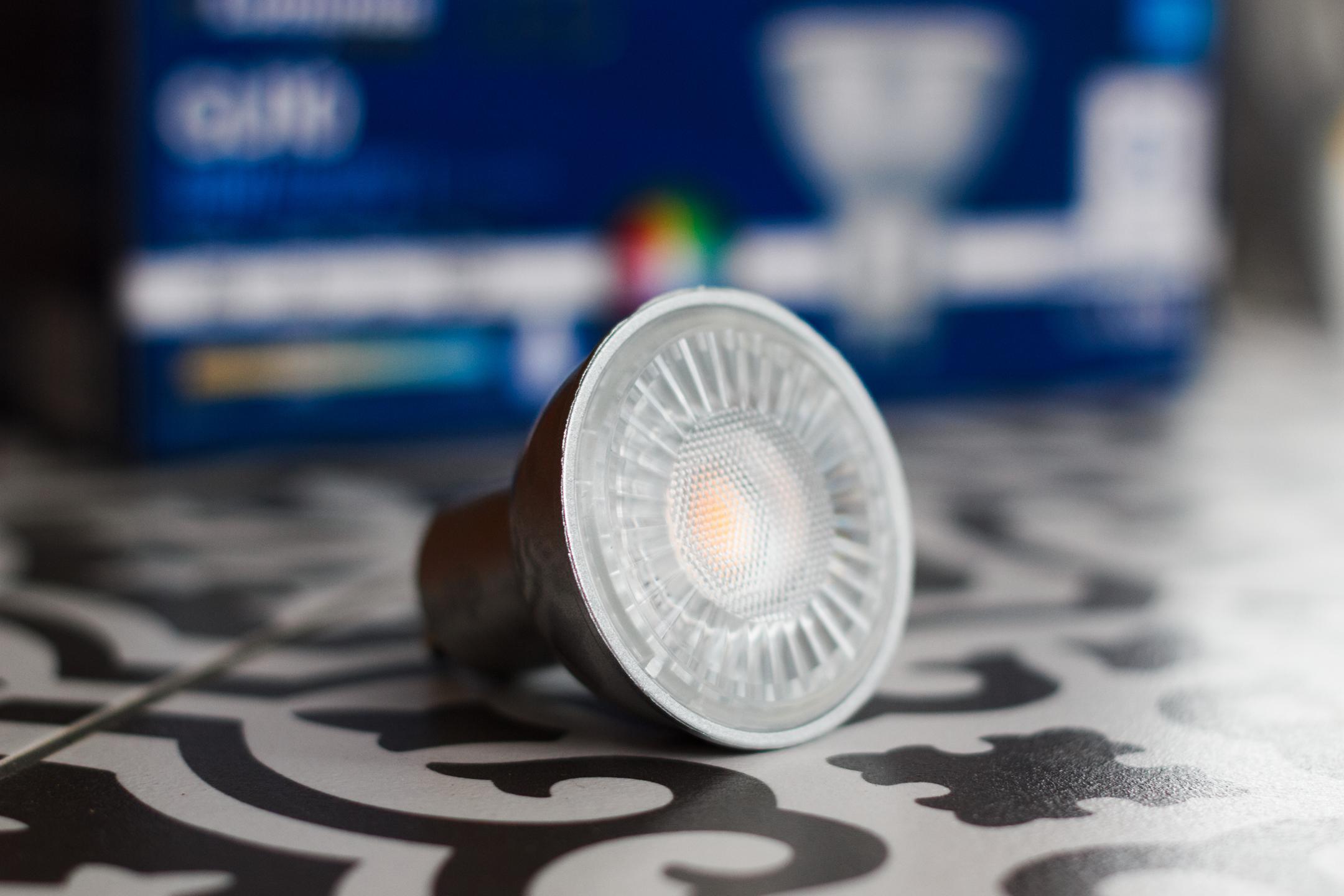
Luminus Elite PLZ2033 LED Bulb Review
In November 2019 I purchased these Luminus GU10 spots at Costco. The big “Natural Colours CRI > 90” stamp on the box caught my eye. The price was too good to be true, $15.99 for 8 bulbs, and it turns out it was indeed. These lights fell far short of their rated specifications, exhibiting color shift and failing after a mere 1 year, 7 months, and 14 days. I used these lights anywhere from 8 to 14 hours every day for 591 days....
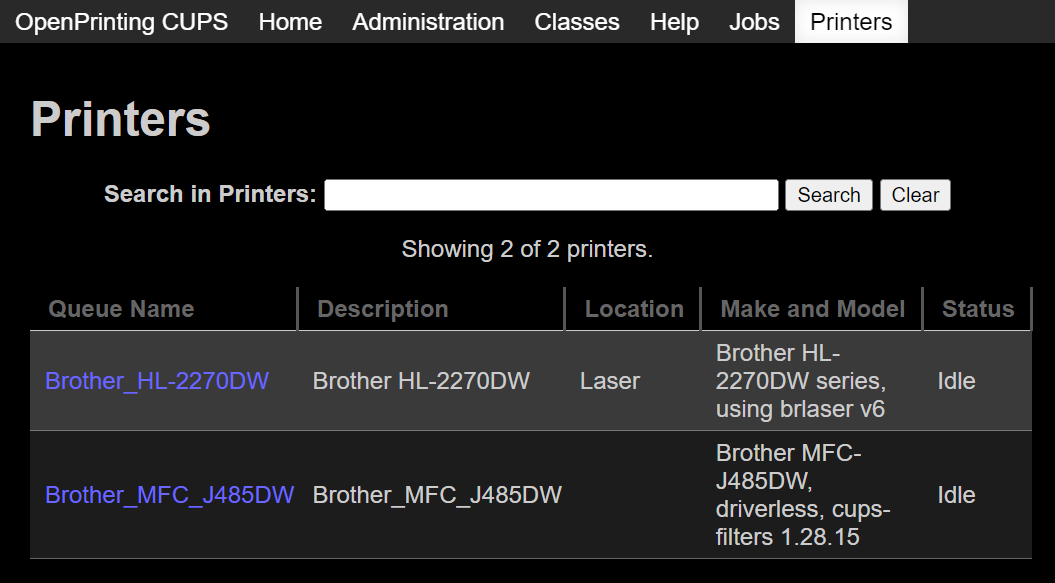
How to Add AirPrint to a Brother Printer With CUPS
I’ve got this old but extremely reliable Brother HL-2270DW that has served me well for over a decade. I want to be able to use it driverless on Android and iOS. Enter CUPS, an open source print server that can bring modern features to any old printer. When combined with Avahi mDNS/DNS-SD you can discover and print seamlessly from your Android or iOS smartphone, tablet, Chromebook, and more. Tutorial First, make sure your locale is set so the expected paper size is selected....
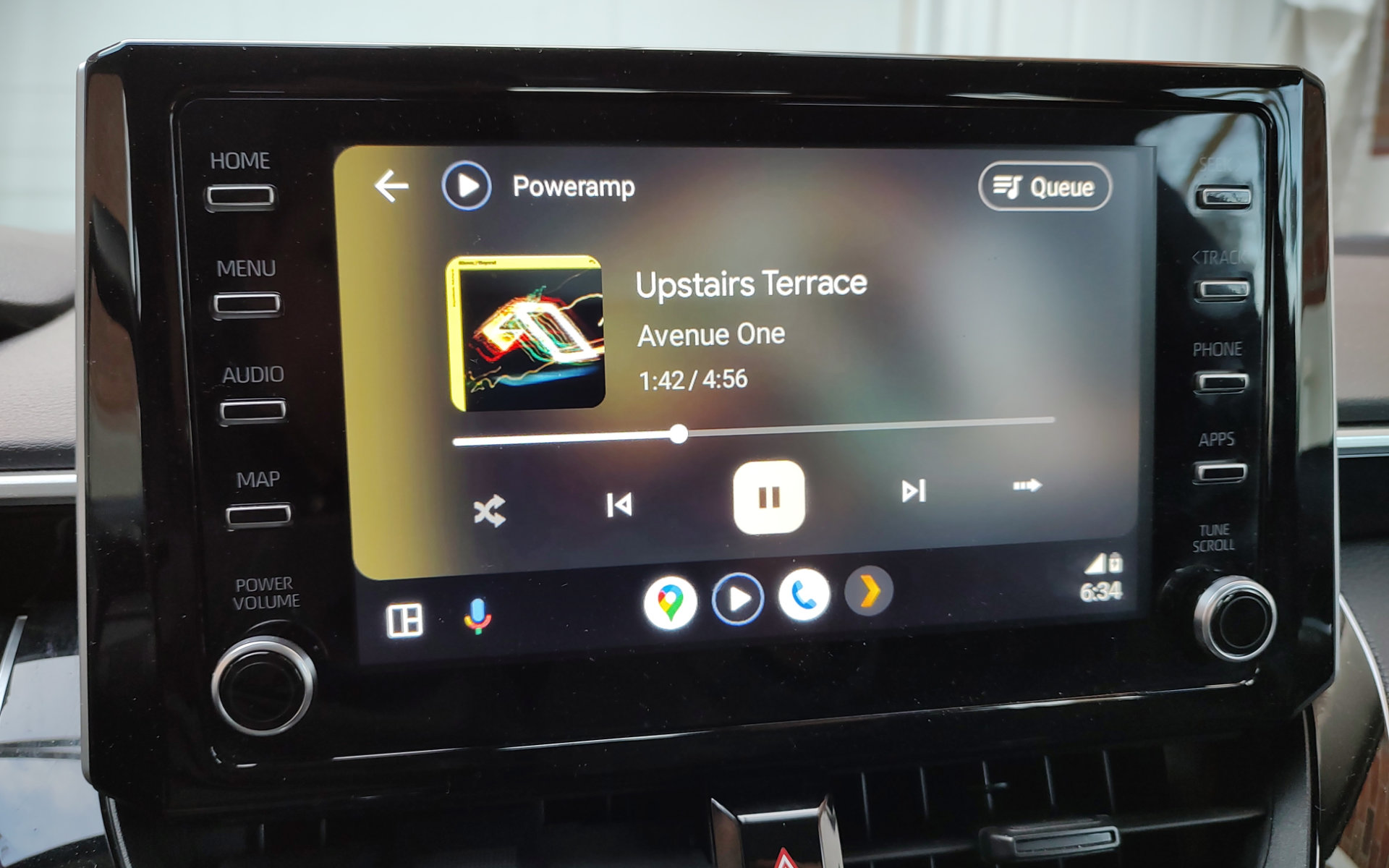
2021 Toyota Corolla LE Mini Review
This is a mini review from my limited experience with a loaner 2021 Toyota Corolla. This is mostly for my own notes. Audio / Infotainment The base model 6 speaker system is not great. You get door speakers plus windshield firing tweeters in the front, and two rear speakers. The front left tweeter was not working so I can’t commend on soundstage. Stock tuning is bad. It has poor bass extension and sounds bloated....
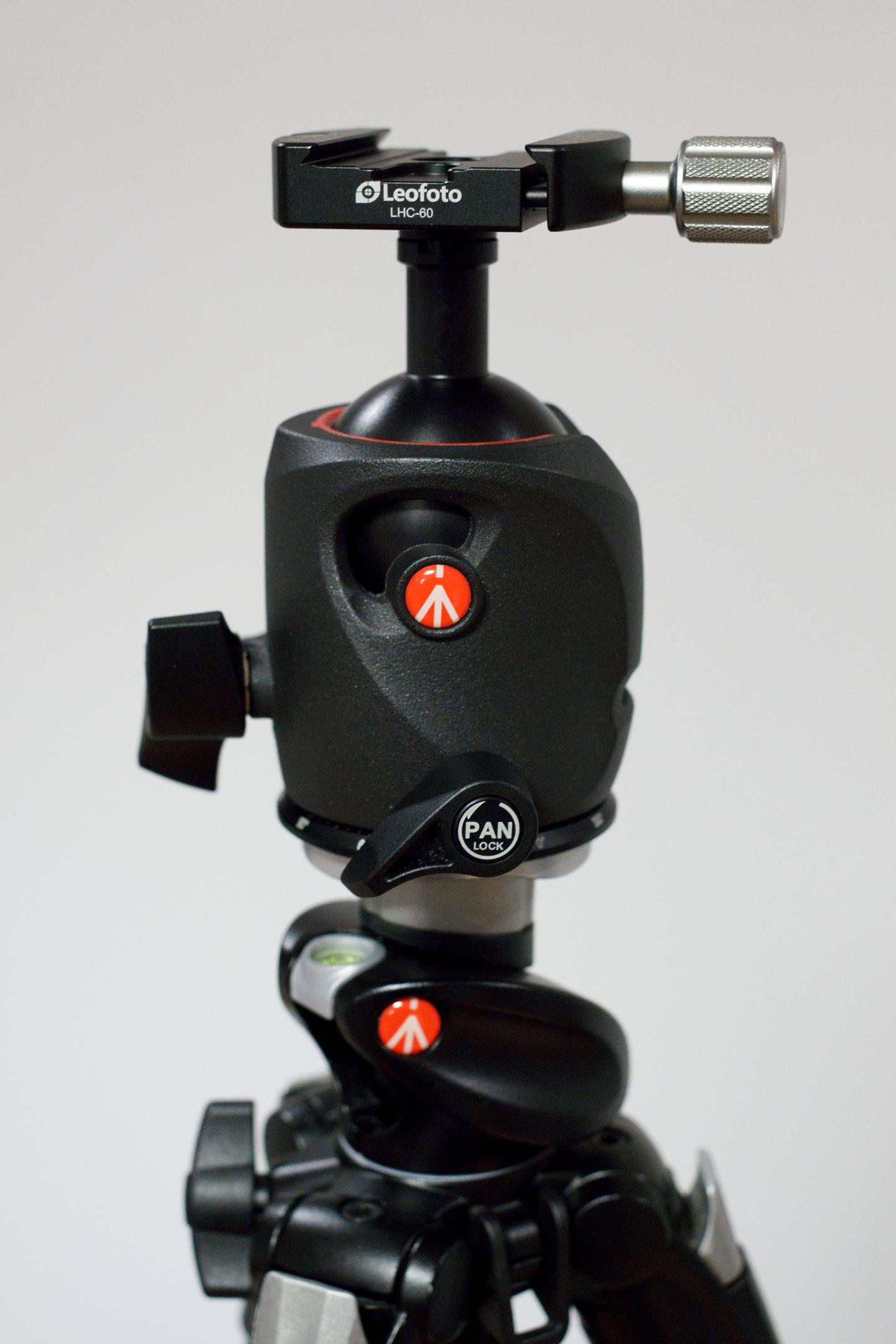
Convert your Manfrotto Ball Head to Arca-Swiss with the Leofoto LHC-60
I was looking for a small tabletop tripod when I discovered pretty much all of them are using Arca-Swiss style quick release plates now. It seems like an interesting system, so I wanted to try it out on my trusty Manfrotto 055 Ball Head. I quickly learned Manfrotto clamps are custom and you need to use a small adapter boss to convert the Manfrotto anti-twist into a standard anti-twist post....
Zoom H2n Review
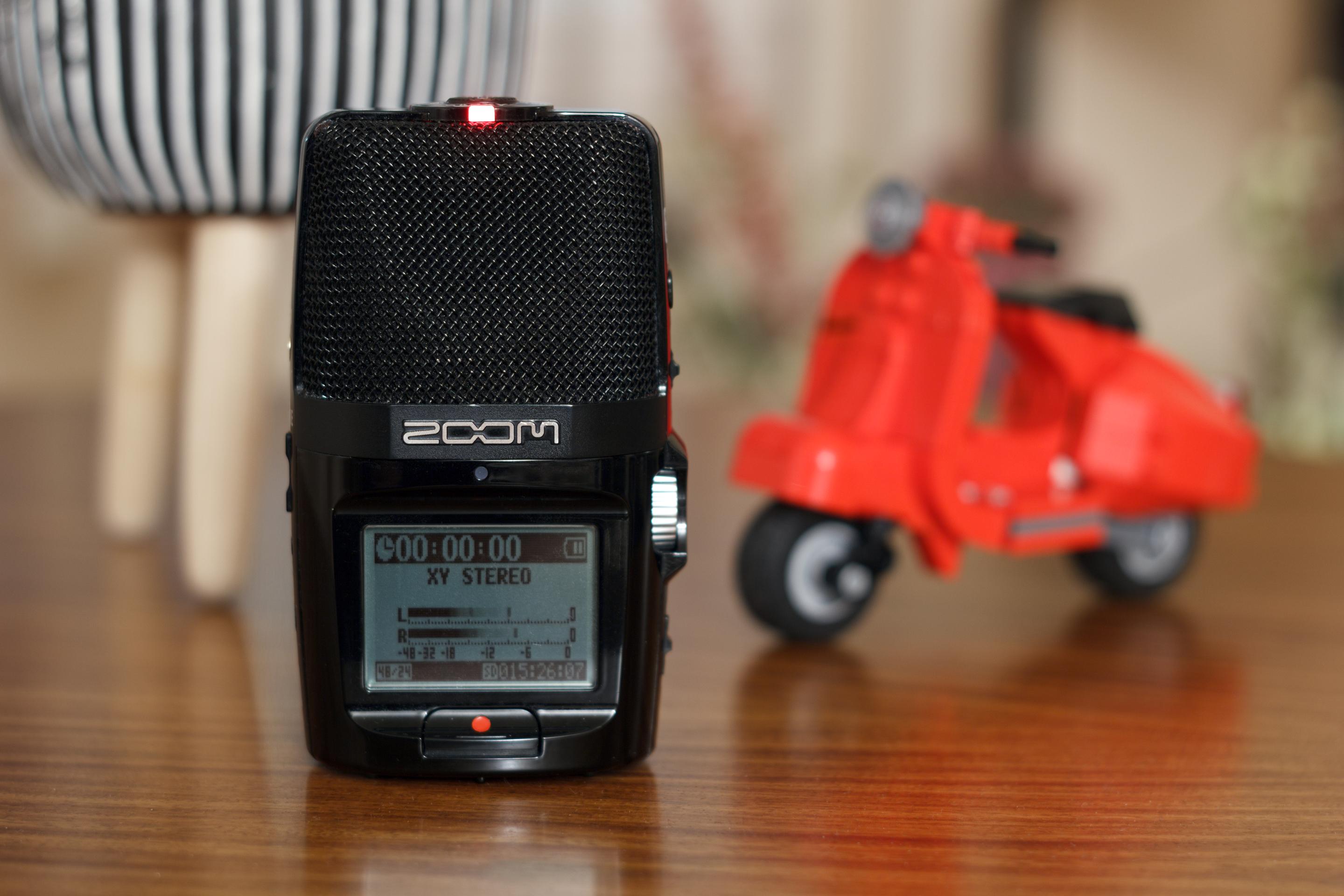
The Zoom H2n is a versatile recorder that has served me well since 2012. I’ve used it to make field recordings, voice overs, and even for ham radio to record satellite passes. Review The Zoom H2n can record from it’s four capsules in four modes: XY: 90° Stereo XY pattern Mid-Side: Front facing and a figure 8 side capsule with adjustable pattern or raw recording. (default 0dB = 120°) 2 Channel Surround: 360 recording from the XY and MS capsules 4 Channel Surround: Split files from the XY and MS capsules The H2n can record at up to 24bit/96kHz in WAV or MP3 from the internal microphones or an external input....

Anthony's Pizza Dough
After months of experimentation, I have finally published my pizza dough recipe! This foolproof dough makes delicious pizzas at home. I hope you enjoy it as much as I do! Ingredients Bakers % Grams Flour (AP/BR) 100% 610 Water 60% 366 Yeast (IDY) 0.50% 3.1 Salt 2% 12.2 Oil 2% 12.2 Total 1003 Makes 4 x 12" 250g dough balls Print PDF 🖨️ Dough 🍕 Mix the flour, water, salt, and yeast until it forms into a dough ball Add the olive oil near end end of the mixing process Mix until the dough starts to become smooth and elastic If the dough is tough, let it rest for 5-10 minutes to relax the gluten, then continue mixing until smooth....
Retevis RT8 Review and Programming Guide
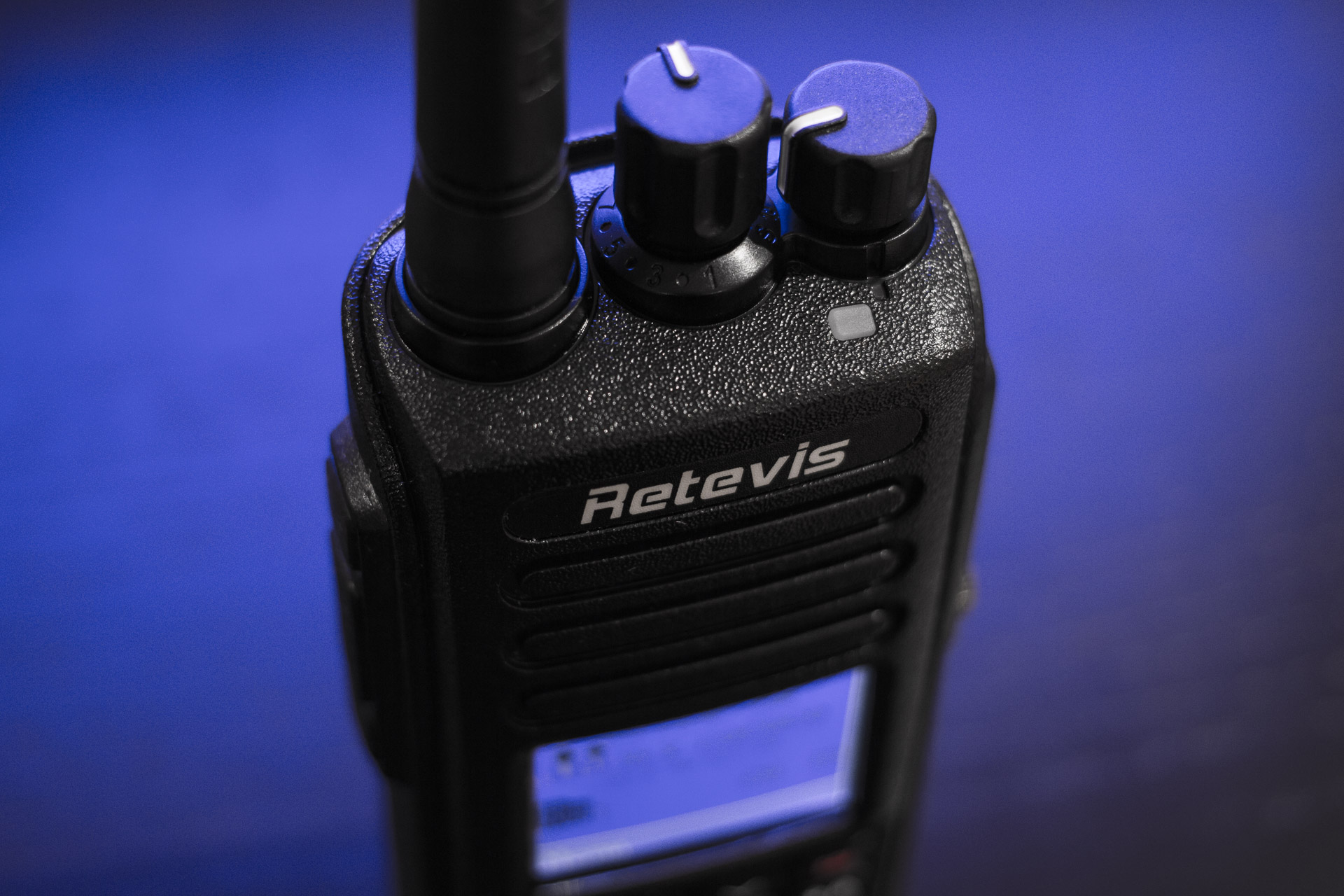
The Retevis RT8 GPS is an inexpensive handheld radio with DMR digital voice capability, packed with many cool features, and very extensible with custom firmware. Video Review First Impressions Programming GPS to APRS Custom Firmware Conclusion Video Review First Impressions The RT8 has a solid plastic case with a nice finish. The radio is rated IP67 for dust and water resistance and has gaskets around the accessory port, battery, and battery contacts....
Acer S243HL Monitor Repair
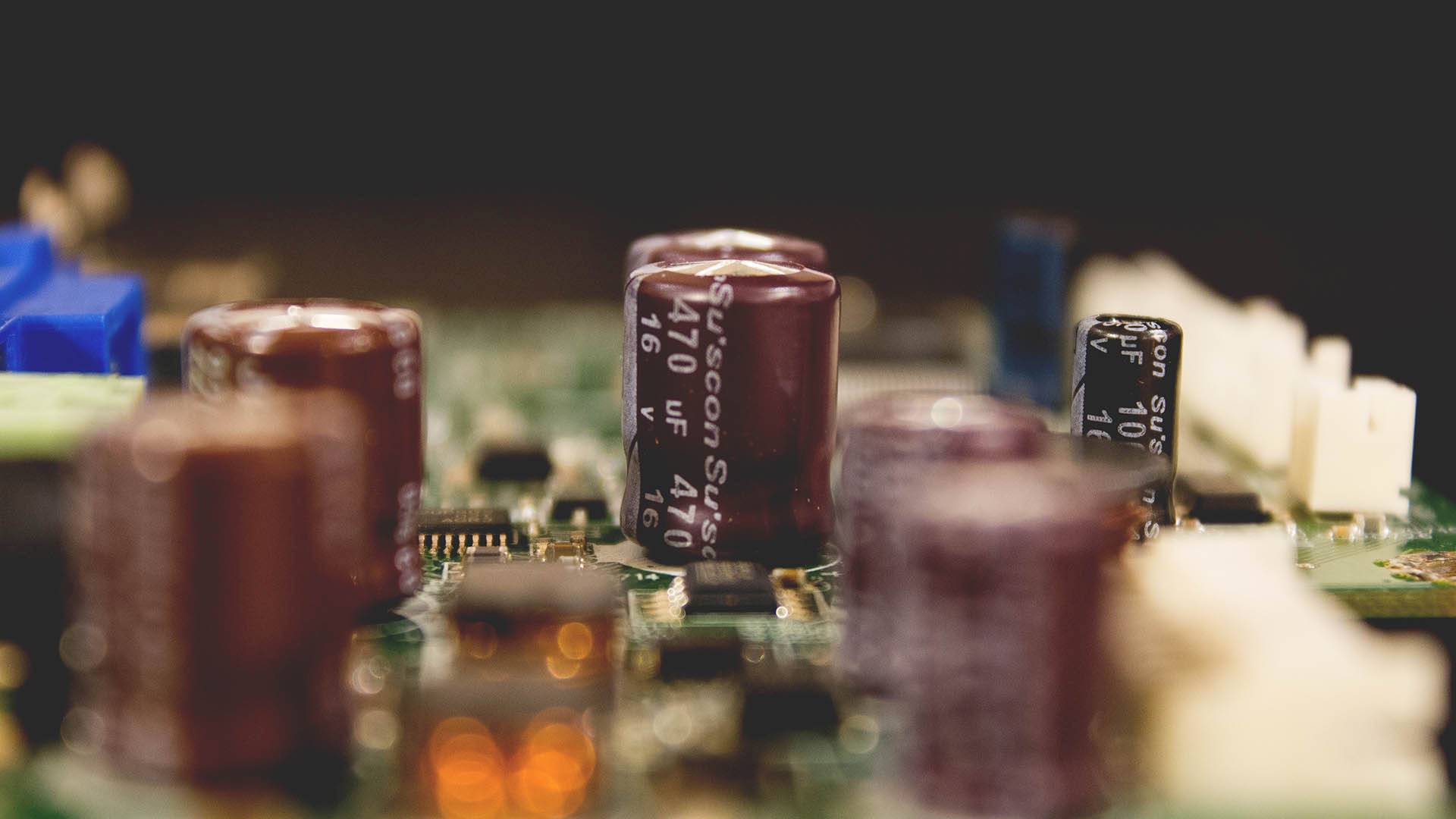
Another Acer monitor bites the dust! Previously, my B243H failed a month before the warranty expired, it was repaired by Acer. Unfortunately, this S243HL was out of warranty so I took the repair into my own hands. A common fault across cheap consumer grade monitors is lousy Chinese capacitors that fail rather quickly. In this case just over 3 years. The culprit, two Su’Scon SG Series 470uF 16v capacitors that bulged....

Fnatic Gear Rush Mechanical Keyboard Review
Last week I reviewed Fnatic Gear’s Flick mouse, and Focus mouse pad, which means it’s time for the review of the Rush Mechanical Keyboard! The Rush is a full size 104 key mechanical keyboard available in your choice of either Cherry MX Red, Blue, or Brown mechanical switches. The keyboard features a soft touch casing, red backlighting, and onboard storage for macros. Video Review Build Quality and Features The Rush is a solid keyboard!...
Fnatic Flick Mouse & Focus Mouse Pad Review
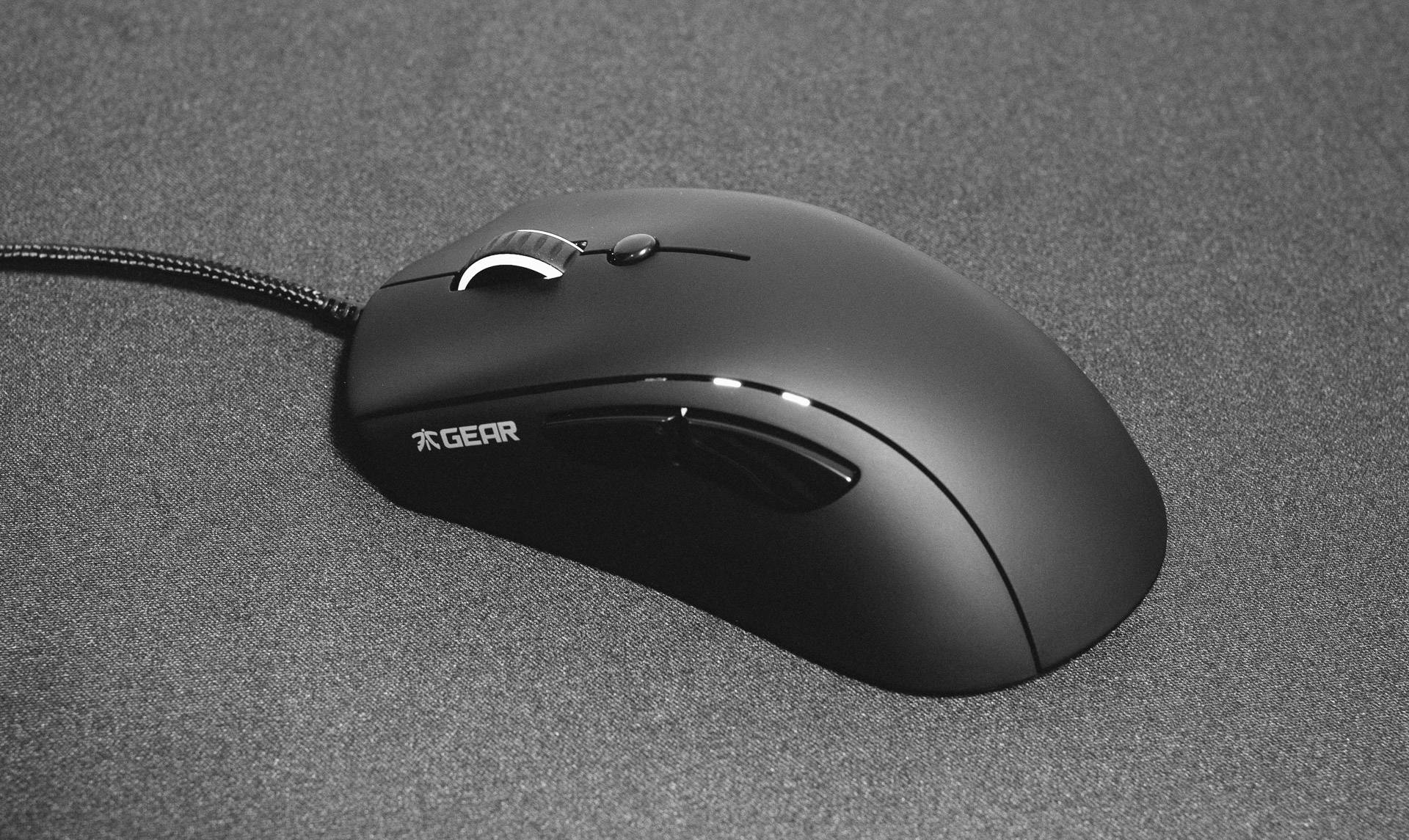
The following is a review of the Fnatic Flick Gaming Mouse and the Focus Mouse Pad. Video Review FLICK Optical Gaming Mouse Review The Flick is a no nonsense gaming mouse, with a clean design, comfortable layout, and features a 3310 sensor. Specs MCU/Processor: Holtek HT68FB560 Main switches: Omron Sensor: 3310 Memory: 256 kB Resolution: 5000 CPI Frames per second: 6500 Tracking speed: 130 IPS Max acceleration: 30g Report rate: Adjustable, up to 1000Hz Cable: 2 m braided USB 2....